
Logos and media
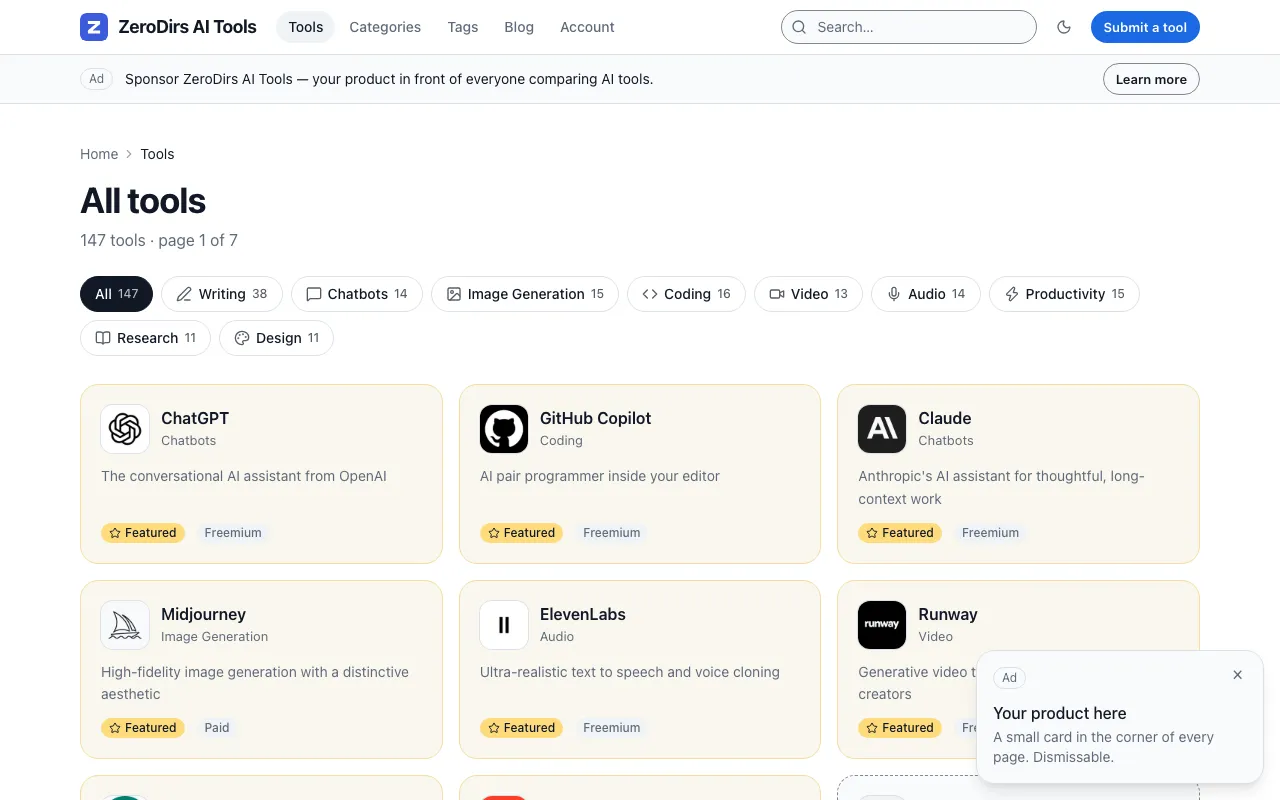
A listing’s logo arrives one of three ways: in the logo field of its Markdown file (files
mode), seeded into R2 by pnpm db:seed:local or pnpm db:seed:remote (D1 mode), or uploaded by
a submitter on /submit/. A null logo becomes a letter tile with the name’s initial.
Add a logo to a listing
Section titled “Add a logo to a listing”---name: Acmeurl: https://acme.comlogo: /logos/acme.svg# the rest of the frontmatter is unchanged---logo is an https:// URL or a /-rooted path under public/. Anything else — ./acme.png,
logos/acme.png, http:// — fails the schema and the build stops, naming the file. Leave the
key out, or write logo: null, for the letter tile.
logo |
Rendered as |
|---|---|
/logos/acme.svg |
a plain <img>, never fetched at build |
https://acme.com/logo.png |
the same, from that host |
null |
a tile with the initial of name (? when empty) |
A card shows the tile at 48 px, the detail page at 128 px; the image is always 128×128.
Seed logos into R2
Section titled “Seed logos into R2”pnpm db:seed:local --with-images --with-faviconsdb:seed:local writes the local database and bucket, db:seed:remote the production ones. The
bucket is the MEDIA binding in wrangler.jsonc; without one the script stops:
wrangler.jsonc has no r2_buckets entry bound as MEDIA; --with-images needs one.
Three passes run in order, each skipping rows that already have a key, so an explicit URL beats a fetched icon, which beats a letter tile.
| Pass | Flag | Uploads |
|---|---|---|
| 1 | --with-images |
each https:// logo in the dataset, downloaded once |
| 2 | --with-favicons |
for each listing still without a key, its site’s own icon |
| 3 | --with-images |
each /logos/<file> from the dataset’s logos/ directory |
A favicon comes from the page’s <link rel="…icon…"> tags — storable formats ahead of .ico,
larger first — then from /apple-touch-icon.png, /apple-touch-icon-precomposed.png,
/favicon.svg, /favicon.png and /favicon.ico: at most 8 candidates, 12 s and 3 SSRF-checked
redirects each, pages read up to 512 KiB, images over limits.logoMaxBytes refused. An .ico
is decoded to the PNG of its largest frame of 32 px or more.
Objects are keyed logos/<id>.<ext>, <id> a UUID derived from the slug, so a re-seed
overwrites its own objects; each is stored with Cache-Control: public, max-age=300, short for
the same reason. A D1-mode build turns each key into media.baseUrl + / + key, so
media.baseUrl must be the bucket’s public host, https:// without a trailing slash; each
non-SVG logo there becomes one 128×128 webp.
db:seed — src/content/listings → D1 (local) downloaded N/M logo(s); uploading to R2... stored N dataset logo URL(s) in R2 in 9s (not stored: unreachable=2) downloaded N/M favicon(s); uploading to R2... fetched N favicon(s) into R2 in 48s (no icon: unreachable=3, not-an-image=1) uploaded N /logos/ file(s) to R2 N listing(s), 0 click row(s) in K statement(s); largest B bytes (limit L)seeded N listing(s) into the local database--dry-run prints the SQL, touches nothing and skips both passes:
--with-images ignored in a dry run (nothing is uploaded, logo_key stays NULL).
Logos submitters upload
Section titled “Logos submitters upload”The form’s optional file field accepts PNG, JPEG, WebP and SVG, with the hint
PNG, JPEG, WebP or SVG, up to 512 KB. Optional — we use the one on your site if you have none.
— 512 being limits.logoMaxBytes in KB. A hidden logoUrls field carries the icons the
metadata fetcher found.
The server ignores the file’s name, extension and declared type: it refuses a file over the limit
unread, then sniffs the bytes — PNG, JPEG, WebP, SVG without <script>, or ICO (absent from the
accept list) decoded to PNG. The ceiling is 1 MiB.
The upload is tried first, then up to three logoUrls candidates through the metadata fetcher’s
SSRF list. Each failure is one warning — submit: uploaded logo rejected (too-large),
submit: remote logo not stored (unreachable) — and a null logo_key; the submission is stored
either way, and without a MEDIA binding the listing has no logo. The object is
logos/<id>.<ext>, <id> random. /admin/listings/<id>/ shows it as the public page will;
deleting says 1 object in R2, deleted with the row. See
The submission form and The admin.
The site’s own images
Section titled “The site’s own images”| File | What it is | Change it |
|---|---|---|
public/favicon.svg |
the browser icon and, through site.logo: '/favicon.svg', the header mark and Organization.logo in the JSON-LD |
replace the file, or point site.logo elsewhere under public/ |
public/og-default.png |
the OG image of any page without one, and of every page under seo.ogImages: 'static' (the free edition) |
pnpm og:default renders it; --check exits 1 when it is stale |
No apple-touch-icon or web manifest exists to maintain. Generated images are on OG images.
Verify
Section titled “Verify”| Where | You should see | |
|---|---|---|
| A files-mode logo | pnpm dev, then a listing page |
the file from public/logos/ at 128 px; 48 px on the index |
| A seeded logo | curl -sI https://<media host>/logos/<id>.png |
200, content-type: image/png, cache-control: public, max-age=300 |
| The build’s view of R2 | pnpm check:config --r2-logos |
logos optimised from R2 (+1 webp each), not served directly |
| A submitted logo | /admin/listings/<id>/, then the listing page after approval |
the picture, in the preview then live |
When it is off or degraded
Section titled “When it is off or degraded”/admin/ reports nothing about media: its report covers secrets, email, payments and rebuilds.
| Config state | The visitor sees | /admin/ reports |
Fix |
|---|---|---|---|
media.baseUrl left at https://media.example.com |
files mode: nothing. D1 mode: the build stops with Failed to load remote image https://media.example.com/logos/<id>.png |
nothing | set it to the bucket’s public host, rebuild |
media.baseUrl on a host that is not the bucket |
the same: a PNG, JPEG or WebP key stops the build; an SVG key is a broken-image box | nothing | the host where curl -sI answers 200 |
MEDIA binding missing |
submissions work; the listing gets a letter tile; the seed refuses (message above) | nothing | add the r2_buckets entry; pnpm cf:setup creates the bucket |
A logo URL that 404s |
a broken-image box; nothing catches it. The OG renderer logs [zerodirs:og] logo <url>: HTTP 404; using the initial-letter tile |
nothing | fix the URL or set logo: null (murf-ai in the demo is broken on purpose) |
| An SVG on the media host | a plain <img>; converting it would stop the build with UnsupportedImageFormat |
nothing | expected |
A logo over limits.logoMaxBytes |
upload rejected, candidates tried, then the letter tile; the seed counts it under too-large |
nothing | raise the limit (ceiling 1 MiB) or shrink the file |
Configuration
Section titled “Configuration”| Field | Default | What it changes |
|---|---|---|
media.baseUrl |
https://media.example.com |
the host every logo_key becomes a URL on |
limits.logoMaxBytes |
512 * 1024 |
the cap on an uploaded, fetched or seeded logo |
limits.screenshotMaxBytes |
2 * 1024 * 1024 |
the cap on one submitted screenshot |
site.logo |
unset | the header mark, a /-rooted path under public/ |
listing.screenshotMax |
3 |
screenshots per listing |
See media, limits,
site and listing.
Directorysrc/
- content/schema.ts the
logorule - components/listing/Logo.astro the rendering point
- lib/media.ts
mediaUrl(),isOptimizableLogo() - server/media.ts sniffing,
putLogo(),fetchLogo() - lib/ico.ts ICO to PNG
- content/schema.ts the
Directoryscripts/
- seed.ts the three upload passes
- favicon.ts the favicon fetcher
- og-default.ts
pnpm og:default
Directorypublic/
- favicon.svg the browser icon
- og-default.png the OG fallback
Directorylogos/ the shipped letter tiles
- …
- wrangler.jsonc the
MEDIAbinding