
Prompts that work
Paste one prompt per job into an agent that can read .agents/skills/, swapping the demo
names, paths and domain for yours. For a page’s own job, paste /docs/prompt/<page>.md.
The prompts
Section titled “The prompts”Plan a directory
Section titled “Plan a directory”Plan a directory of self-hosted analytics tools. Propose the listing noun and the route base, then a categories block and a tags block for site.config.ts, and write seed/.out/candidates.tsv with real product names and home-page URLs only. Take every URL from a source you can cite, never build one from a name, and tell me how many rows you could not verify. Do not write any descriptions.plan-directory, then
node seed/check-links.mjs seed/.out/candidates.tsv --json seed/.out/links.json.
Fill it with listings
Section titled “Fill it with listings”Fill this directory from seed/.out/candidates.tsv. Run the link check first and drop the rows that fail, write each listing only from the page you fetched, record extra.sourceUrl and extra.sourceCheckedAt on every one, lint with seed/check-listings.mjs, check the shape with --profile buyer, then load it into the local database with pnpm content:use and build. Report every row you dropped and why.generate-listings runs
pnpm content:use <slug> --yes, which seeds the local database from the dataset. Check
[zerodirs-d1] D1 (local): N approved listings in the build log.
Import a spreadsheet
Section titled “Import a spreadsheet”Import ~/Downloads/tools.csv into this directory. Dry-run first and show me the per-row verdicts and every warning before you write anything. "Website" is the url and "Keywords" are the tags; "Founded Year" should land in extra.founded. If a row has a category that is not in site.config.ts, stop and show me the rows and values instead of guessing.import-listings runs
pnpm listings:import <file> --dry-run, then again with --local; unaliased columns need
--map. Check upserted N listing(s) and budget:.
Add a category
Section titled “Add a category”Add an "Observability" category: slug observability, a one-line description, a lucide icon that fits, order 10. Seed it with at least one real listing so the page is not empty and does not go out noindex, give that listing tags other listings already carry, and verify with pnpm check and a full build.add-category seeds the listing with
pnpm listings:import <file> --local. Check orphans (fewer than 2 inbound): 0.
Add a custom field
Section titled “Add a custom field”Add a "Founded" custom field to listings: key founded, type text, shown on cards. The demo listings already carry extra.founded, so do not touch the detail page unless the placement has to change. Build, then prove the value reached dist/client/tools/adobe-firefly/index.html.add-listing-field — one entry in listing.customFields.
Change the theme
Section titled “Change the theme”Give the site a green brand: primary oklch(0.52 0.13 150), a lighter primary in dark mode, corner radius 0.25rem. Use theme.tokens if that is enough. If the OG images need the colour too, add a "forest" preset instead and regenerate public/og-default.png. Tell me which path you took and why.new-theme takes theme.tokens and theme.darkTokens, or a
preset with ogColors and pnpm og:default.
Add a pSEO template
Section titled “Add a pSEO template”Add a pSEO template that generates one "Best {category} {nouns} ({year})" page per category: id best-category, slug best-{category}-{nouns}, at least 5 listings per page, enabled. Register the pattern, add the copy to site.config.ts with one FAQ entry, add the unit test, then build and quote the pseo: generated line and every [zerodirs:pseo] warning.new-pseo-template. Read
pseo: generated N (dropped by minItems M, truncated K).
Go live
Section titled “Go live”Take this site live on acme-tools.com. Check site.url and pnpm check:config first, show me the pnpm cf:setup --dry-run plan, run it when I say so, then walk me through what it leaves to me one step at a time. Never read .env or paste a secret: when a value is needed, name the pnpm cf:secrets key and tell me where the value comes from.go-live. Its last line says whom to sign in as; sign in at
/login/, then check /admin/.
Switch email to Resend
Section titled “Switch email to Resend”Switch transactional email from Cloudflare Email Sending to Resend. The sending domain is acme-tools.com and it is already verified in Resend. Set the provider and emailFrom, keep my own notifications on the cloudflare-verified path, tell me which secret to add with pnpm cf:secrets, and show me how to confirm that a receipt leaves the outbox.configure-email sets providers.emailFrom
(Name <addr@domain>); run pnpm cf:secrets RESEND_API_KEY yourself. If the receipt
never arrives, email_outbox carries the error.
Google sign-in
Section titled “Google sign-in”Turn on submitter accounts with "Continue with Google" for https://acme-tools.com. Switch features.accounts on, tell me exactly what to create in the Google Cloud console including the redirect URI, and which two keys to store with pnpm cf:secrets. Then tell me how to verify the emailed-link path and the Google path separately.configure-accounts: features.accounts: true,
redirect URI https://acme-tools.com/auth/google/callback/ (trailing slash included),
pnpm cf:secrets GOOGLE_CLIENT_ID GOOGLE_CLIENT_SECRET, pnpm db:migrate:remote for the
migration in production.
Change the detail page
Section titled “Change the detail page”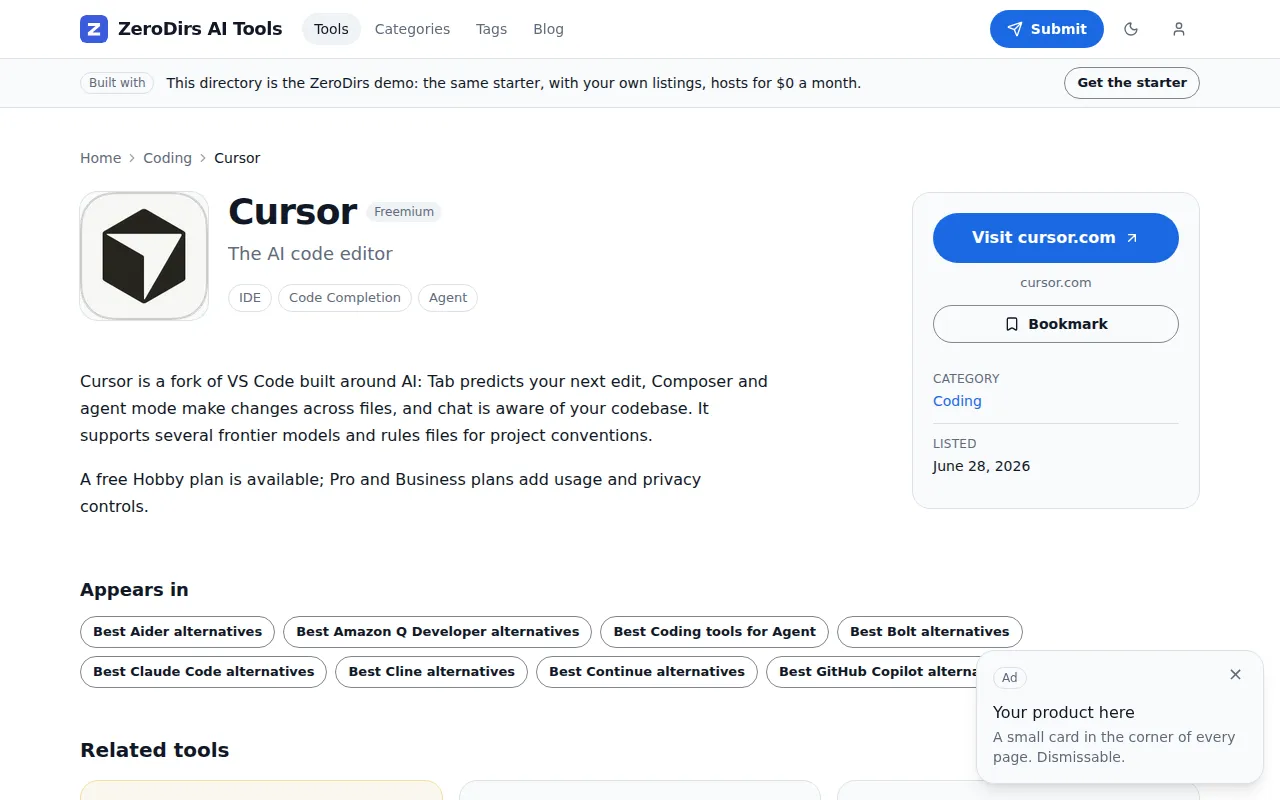
On the listing detail page, move the custom fields out of the facts card into a row directly under the tagline and show the pricing type there too. Keep the page free of client JavaScript, build every URL through src/lib/paths.ts, then run pnpm check, pnpm test and pnpm build and quote the zero-js line.No skill; AGENTS.md names src/components/listing/Detail.astro. Check
zero-js: N content pages, 0 islands, 0 external scripts — ok.
Fix a failing build
Section titled “Fix a failing build”pnpm build fails; the full output is below. Find the cause in the log, fix it with the smallest change that keeps the rules in AGENTS.md, and do not switch a check off to get past it. Rerun pnpm check, pnpm test and pnpm build, and quote the seo-report, budget and zero-js lines from the passing build.
<paste the output here>No skill; the log names the cause:
seo-report: N orphan listing(s) with fewer than 2 inbound links, or budget: above 90% of
the plan limit.
Worth knowing
Section titled “Worth knowing”- Have it run
pnpm check,pnpm testandpnpm buildbefore it reports — some rules only fail in a full build. - Silently lost: an object or array custom field, markup outside
@sourceinsrc/styles/global.css, dark mode when tokens are light-only. - Loud: an unknown category aborts an import with nothing written, an unknown tag is dropped
with a warning, a
client:loadon a content page stops the build. - Never switch
seo.strictLinksoff; it only demotes the orphan failure to a warning.